

Team & members
This page shows you how to invite colleagues to your Zinye Cloud account so they can help manage your sites — without sharing a single login.
Your team
Section titled “Your team”Your account is a team. Everyone you invite becomes a team member and can sign in with their own email. You manage members under Settings → Team.
Invite a member
Section titled “Invite a member”- In the left menu, click Settings, then open the Team tab.
- Click Add Member.
- Enter the person’s email address and click Invite Member.
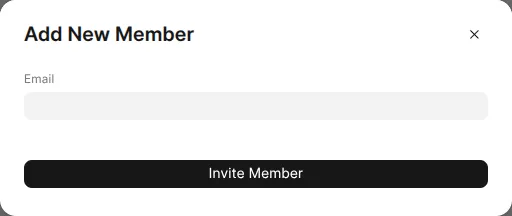
They’ll get an email invitation. Once they accept, they appear in your team list and can sign in to help manage your sites.
Roles and permissions
Section titled “Roles and permissions”Open the Roles tab (also under Settings) to control what members can and can’t do — for example, who can change billing or create new sites. Give each person only the access they need.