

Create your account
This page shows you how to create your Zinye Cloud account and log in. It takes about two minutes — there’s nothing to install.
Sign up
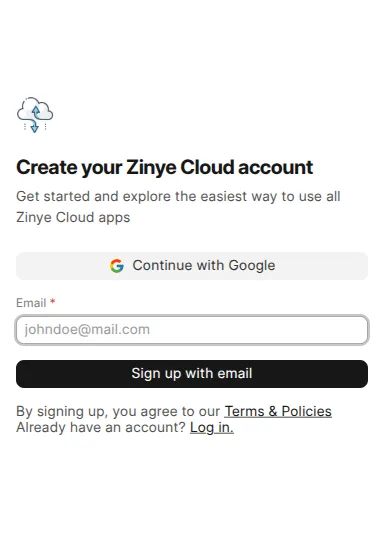
Section titled “Sign up”- Go to cloud.zinye.com/dashboard/signup.
- Enter your business email and click Sign up with email — or click Continue with Google to use a Google account instead.
- Open your inbox and click the verification link Zinye Cloud sends you.
- Set a password and finish your profile.
- You’ll land on your dashboard, ready to add a payment method and create your first site.
Log in
Section titled “Log in”Once your account exists, sign in any time at cloud.zinye.com/dashboard. You have three ways to log in:
- Password — click Continue with password, then enter your email and password.
- Google — click Continue with Google.
- Verification code — enter your email and click Send verification code, then type the code emailed to you (no password needed).
Forgot your password? On the password screen, click Forgot Password? to reset it by email.
What is a “team”?
Section titled “What is a “team”?”Your account is called a team. The team owns your sites and handles billing, and it can have more than one person — so colleagues can help manage your sites without sharing one login. See Team & members to invite people.