

Custom domains
This page shows you how to put your site on your own web address — for example erp.yourcompany.com instead of yourname.zinye.com. Both keep working; the custom domain is just friendlier for your team.
Add your domain
Section titled “Add your domain”- Open your site and go to the Domains tab.
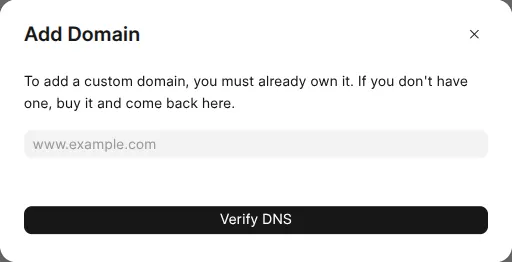
- Click Add Domain.
- Type the address you want to use (for example
erp.yourcompany.com). - Zinye Cloud shows you a DNS record to add — a CNAME pointing your address at your site.
- Go to your domain’s DNS settings and add that CNAME record exactly as shown.
- Come back and click Verify DNS.
Once the record is verified, Zinye Cloud automatically issues an SSL certificate, so your site loads securely over https://. Your new address appears in the Domains list with status Active.