

Installing apps
This page shows you how to add extra apps to a site. Your site starts with its main app (for example Zinye ERP), and you can add more — like Zinye HR, Payments, or Print Designer — to get more features.
Install an app
Section titled “Install an app”- Open your site and go to the Apps tab.
- Click Install App.
- Pick the app you want from the list and click Install next to it.
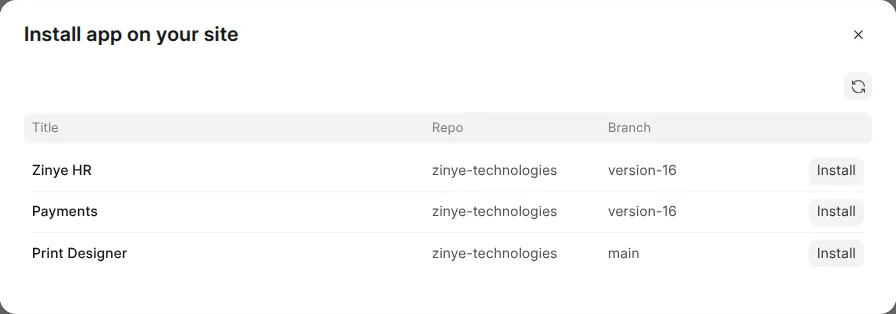
The app installs in the background. When it’s done it shows up in your site’s Apps list, and its features become available inside your app.
Remove an app
Section titled “Remove an app”To remove an app, open the Apps tab, find the app, and choose Uninstall.