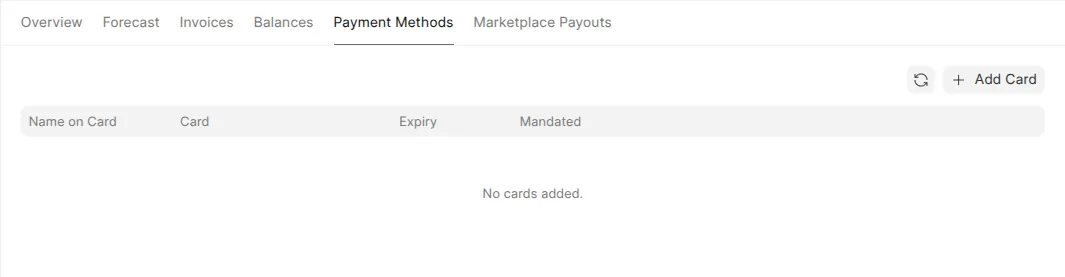

Add a payment method
This page shows you how to add a payment method. Zinye Cloud asks for a card before you can create your first site — even though new sites start on a free trial.
Why a card is required first
Section titled “Why a card is required first”When your account is new, the dashboard shows:
Add a payment mode to start creating sites, benches, and more.
Adding a card now means your site keeps running without interruption when the free trial ends. You are not charged when you add the card — billing only starts when a trial ends or you choose a paid plan. See Plans & billing for how charges work.
Add a card
Section titled “Add a card”- In the left menu, click Billing.
- Open the Payment Methods tab.
- Click Add Card.
- Enter the name on the card and your billing address (country, city, address, state/region, postal code).
- Enter your card number, expiry, and security code.
- Click Verify & Save Card.